Your kitchen
Choose meals that fit the kitchen you actually have.
See meals that work with the equipment available in your home kitchen.
The household’s available equipment is part of what Stock and Stir works with: a stove, oven, microwave, refrigerator, freezer, and basic pans. Meals that need equipment the household does not have do not get suggested.
A real example
No working oven tonight
A household without a working oven gets suggestions that cook on the stovetop or in the microwave instead.
The real product screen
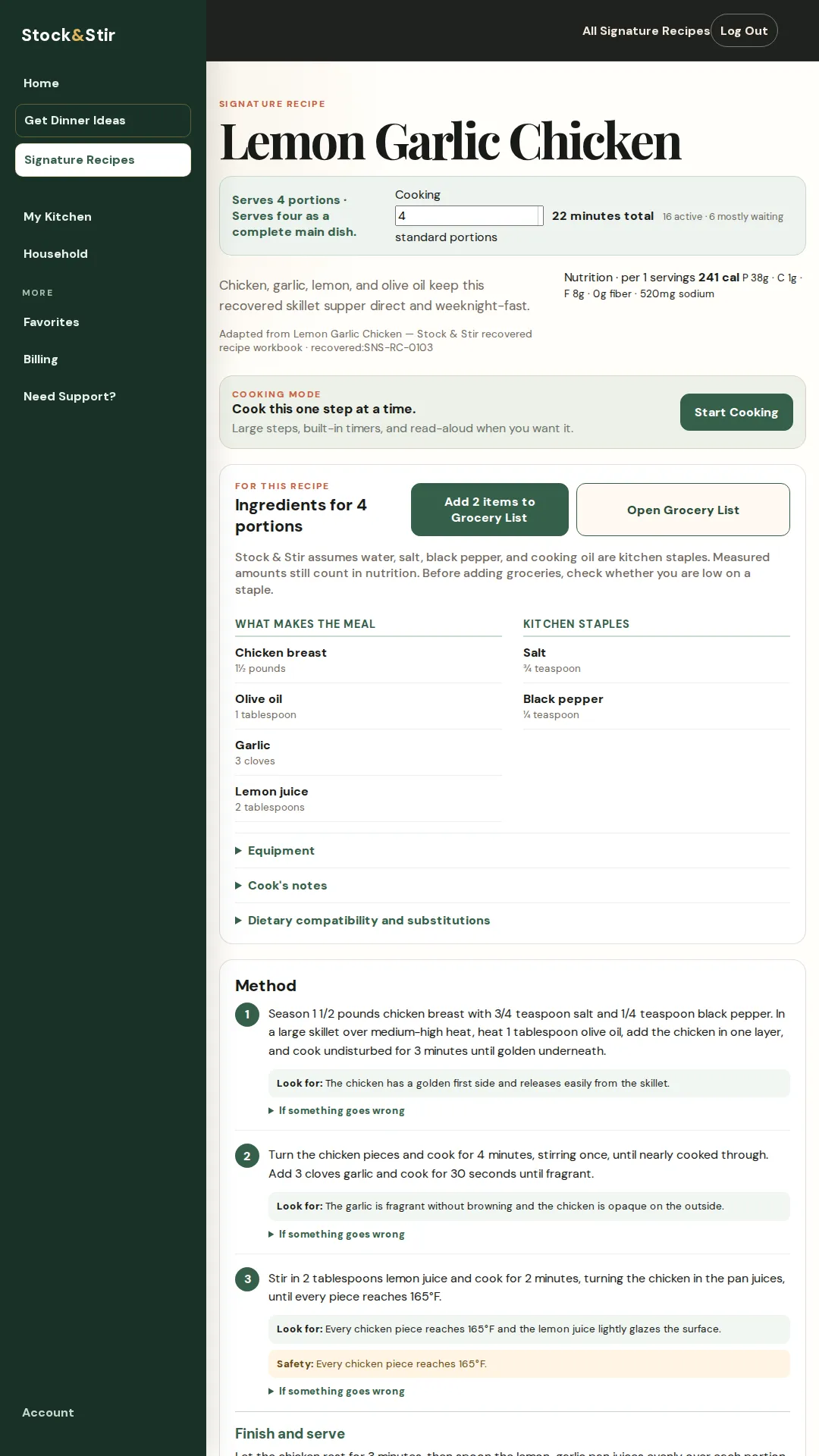
See it in the product.
A close look at the screen behind the promise.
The next step
Keep the dinner moving.
Keep the equipment your household has in view with the rest of the setup, then choose a meal whose recipe and work fit the kitchen in front of you.
Short FAQ
A few useful answers.
What equipment can the setup account for?
It covers ordinary home-kitchen equipment such as a stove, oven, microwave, refrigerator, freezer, and basic pans.
What if I do not have a required piece?
A meal that needs equipment your household does not have does not get suggested.
Is this the same as Kitchen Assets?
No. Equipment means the tools and appliances a meal requires. Kitchen Assets are prepared reusable food components such as cooked chicken, broth, or prepared vegetables.
Make the next dinner easier to handle.
See it work before you sign up. A 28-second tour of a real meal choice and Cooking Mode.
No signup needed to watch.
Read the product demonstration transcript
Background music plays. The Home screen shows foods saved in My Kitchen. No Decisions Please selects Lemon Garlic Chicken and opens Cooking Mode.
Cooking Mode shows a single step, a read-aloud control, a timer, and a preview of the next step. A later step displays the safety endpoint: every chicken piece reaches 165°F. A photograph of lemon-garlic chicken closes the demonstration.
7 days free, then $10/month or $100/year. Card required. Cancel before the trial ends to avoid a charge.