Planning ahead
Plan a larger table without losing the thread.
Plan a larger table calmly, from menu to grocery needs to coordinated cooking.
Holiday Meals is the Plan Ahead path for a gathering. The workflow brings the menu, what is missing, and the preparation and cooking sequence into one deliberate plan.
A real example
A gathering on the calendar
Before guests arrive, build the menu, total up what the whole menu needs, identify what is missing, and work through the dishes in an order that helps them reach the table together.
The real product screens
See it in the product.
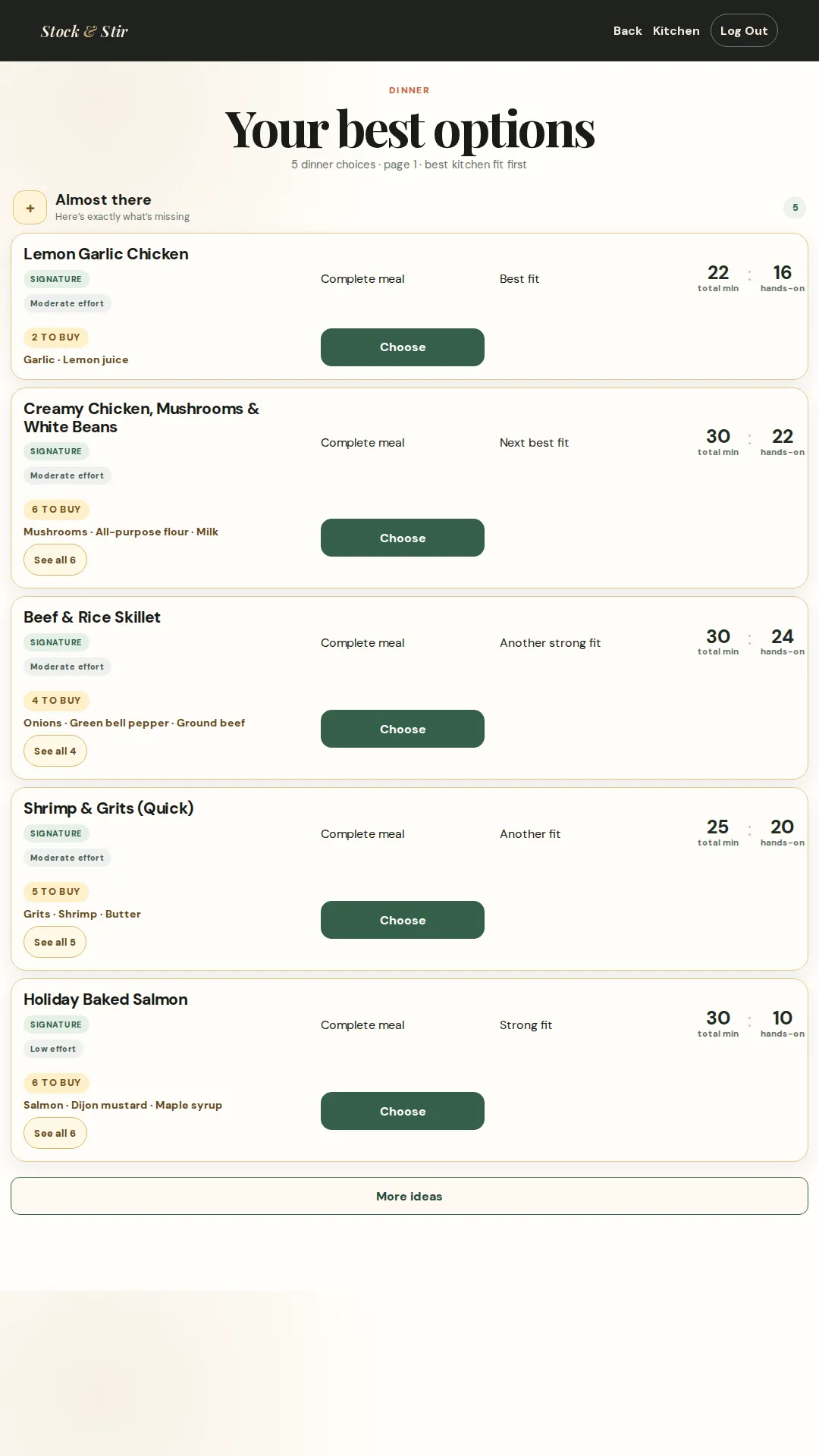
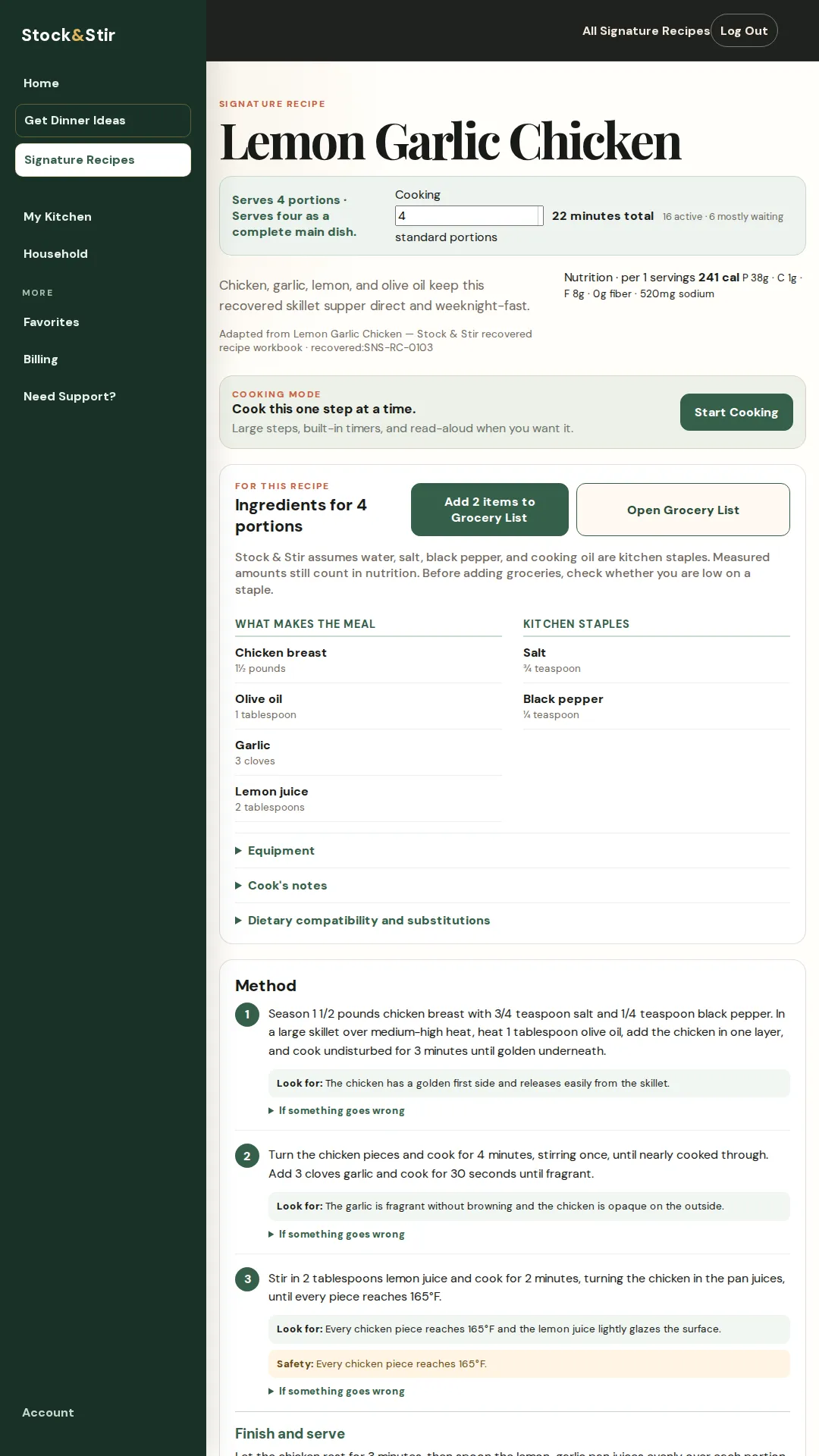
A longer walkthrough, using the closest available real screens in the order the work happens.
The next step
Keep the dinner moving.
After the menu and grocery gap are clear, the cooking guidance gives each dish a practical next step.
Short FAQ
A few useful answers.
What is the Holiday Meals workflow?
The showroom workflow is menu first, then the grocery gap across the menu, then preparation and cooking in sequence.
Does the screen show invented timings?
No. The walkthrough uses the real screens and describes the order of work without adding timings that are not shown.
Can I see the next cooking step?
The demonstrated recipe interface shows the next method step, look-for cue, and cooking guidance for a selected dish.
Make the next dinner easier to handle.
See it work before you sign up. A 28-second tour of a real meal choice and Cooking Mode.
No signup needed to watch.
Read the product demonstration transcript
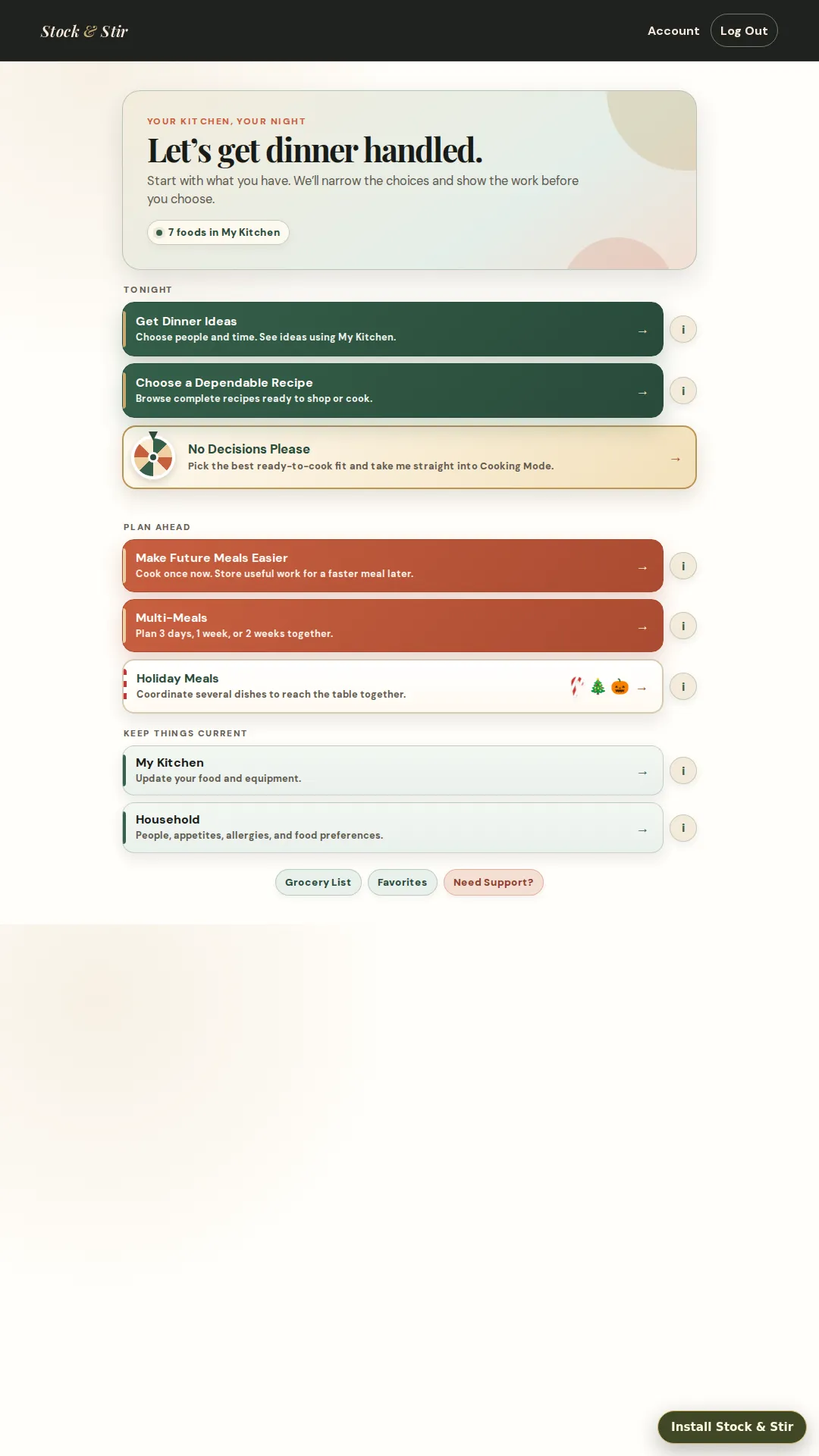
Background music plays. The Home screen shows foods saved in My Kitchen. No Decisions Please selects Lemon Garlic Chicken and opens Cooking Mode.
Cooking Mode shows a single step, a read-aloud control, a timer, and a preview of the next step. A later step displays the safety endpoint: every chicken piece reaches 165°F. A photograph of lemon-garlic chicken closes the demonstration.
7 days free, then $10/month or $100/year. Card required. Cancel before the trial ends to avoid a charge.